


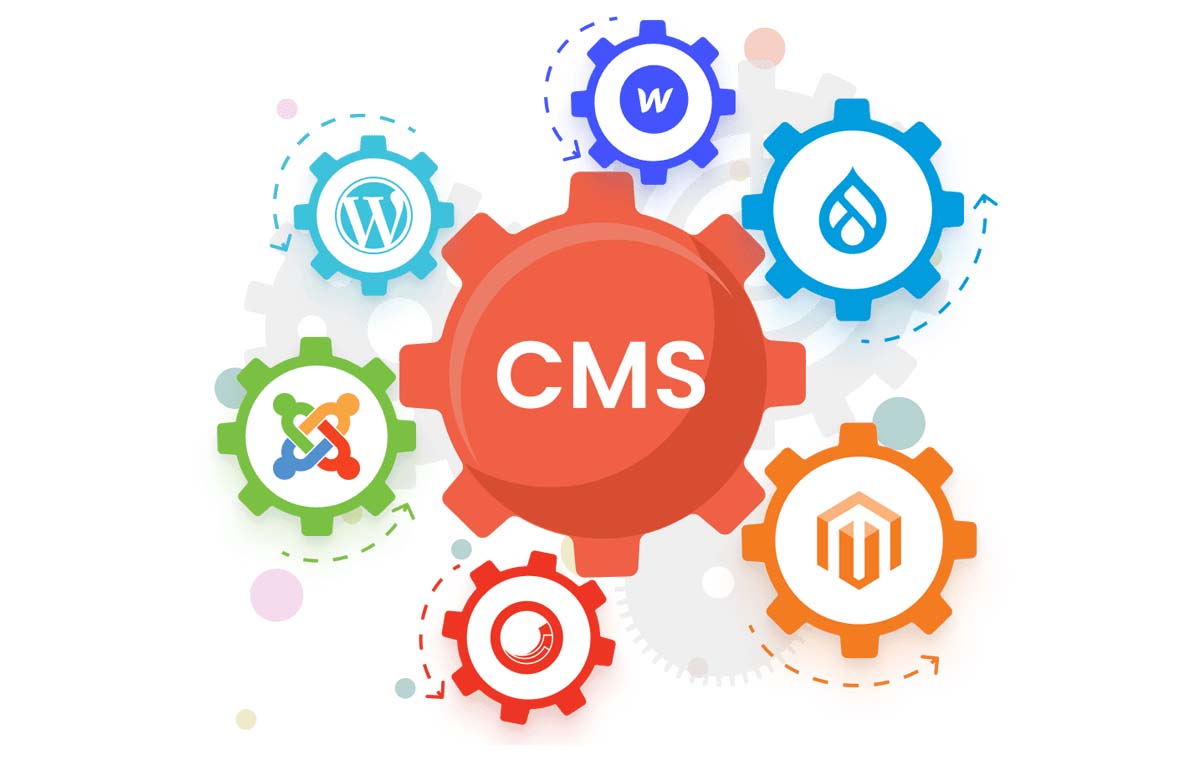

Choosing a content management system (CMS) is a crucial step for any project involving the creation and maintenance of a website. Whether you’re planning to build a corporate site, an online store, or a blog, the right CMS choice determines not only the functionality and capabilities of the site but also the ease of administration and development speed. Let’s take a look at the key factors to consider when choosing a CMS.
How to Choose a CMS for a Website?
Define the Goals and Objectives of the Project
Are you planning to create a simple blog? The CMS requirements will differ significantly from those for an online store or corporate portal.
- Blog: Suitable options include popular CMS platforms like WordPress or Ghost.
- Online Store: Consider WooCommerce (for WordPress), Magento, PrestaShop, or Shopify.
- Corporate Website: Ideal choices include feature-rich CMSs with scalability, such as Drupal, Joomla, or TYPO3.
Evaluate Technical Capabilities and Requirements
- Programming Language: CMSs are built in different programming languages, such as PHP, Python, Ruby, or Java. PHP is one of the most popular languages for CMS, but depending on your project, another language may be preferable.
- Databases: Different CMSs use different databases. WordPress uses MySQL, while Drupal supports both PostgreSQL and MySQL. Make sure the CMS is compatible with your hosting or server setup.
- Performance: If you plan to grow your site, the CMS should be flexible and scalable enough to handle increased traffic and data. Look for support for caching and multi-server configurations for large-scale projects.
Ease of Use
- Admin Interface: WordPress, Joomla, and Wix offer simple, user-friendly interfaces that are easy to learn.
- Documentation and Community: It’s important that the CMS has extensive documentation and an active user community. WordPress, Joomla, and Drupal have large communities and abundant learning resources.
Security
Security is one of the most important aspects when choosing a CMS. Your website will be vulnerable to attacks if the CMS is not properly secured.
SEO Capabilities
For effective search engine optimization, the CMS must support key SEO principles. Some CMS platforms, like WordPress, offer powerful plugins like Yoast SEO to simplify optimization. The CMS should also allow you to edit URLs, use themes and skins, and support fast indexing.
Cost
- Free CMS: Free platforms may still require spending on hosting, themes, and plugins. For instance, WordPress is free, but professional use often involves paid plugins and premium themes.
- Paid CMS: Paid platforms often come with more built-in features and are geared toward professionals. Shopify, for example, is a paid CMS focused on eCommerce and includes all necessary tools to run an online business.
Mobile Compatibility
In today’s world, mobile optimization is a must. Make sure your CMS supports responsive and mobile-friendly design. Most popular CMS platforms, including WordPress and Joomla, offer mobile-ready templates out of the box.
How to Choose a CMS for an Online Store?
Choosing a CMS for an online store is a multifaceted process that directly impacts your business success. The right CMS must support all essential eCommerce functions — product catalog management, admin panel, payment integration, and fast order processing. Take this decision seriously.
Whether you’re starting a blog or launching a full-fledged online store, selecting the right CMS is critical to your project’s success. Make sure to assess your goals, technical needs, and growth plans to ensure your CMS will meet all requirements both now and in the future.